Mastering the Scheduler
Prove your understanding of the Teamleaf Scheduler, including Ai scheduling, adding new crews, and more
4 Modules
17 Lessons
Around 30 mins
Updated 5 Jan 2026
Guided Learning
What This Course Covers
Scheduler

Sign in to Start
Sign in through Teamleaf and click the University button, and this course will be waiting here with your progress on it.
Modules
4
Lessons and quizzes
17
Expected duration
30 mins
Pass requirement
100%
Last updated
5 Jan 2026
What you will come away with
- Teamleaf Ai and Manual Scheduling
- Custom Scheduler views
- How to navigate dates and crews
- How to add users, assets and crews
The ‘Mastering the Scheduler’ course covers a wide range of content to ensure you are confident with every aspect of the scheduler
After completing this course you will be confident that you can use the Teamleaf Scheduler to see what shifts are planned, reschedule items on the Scheduler, and to optimise the Scheduler using both Ai and your own discretion
The Curriculum
Short lessons grouped into modules, with a quiz where there is something to check. Open a module to see what is in it.
Related Tutorials
A course walks a whole subject in order. These are the one-job answers in the same part of Teamleaf, for when that is all you came in for.
Scheduler
Setup
Customising the Scheduler
View Tutorial
Scheduler
Essentials
Setup
Setting up the Scheduler
View Tutorial
Scheduler
Essentials
Understanding the Scheduler
View Tutorial
Scheduler
Essentials
Shifts
Using the Scheduler
View Tutorial
Other Courses
Other courses covering the same part of Teamleaf, each one built the same way: short lessons in order, with a quiz at the end.

Scheduler
Intracompany
Invoicing
Shifts
Tasks
Drains Direct Essentials
View Course

Scheduler
Intracompany
Invoicing
Shifts
Tasks
EVCSL Essentials
View Course
Scheduler
Intracompany
Invoicing
Shifts
Tasks
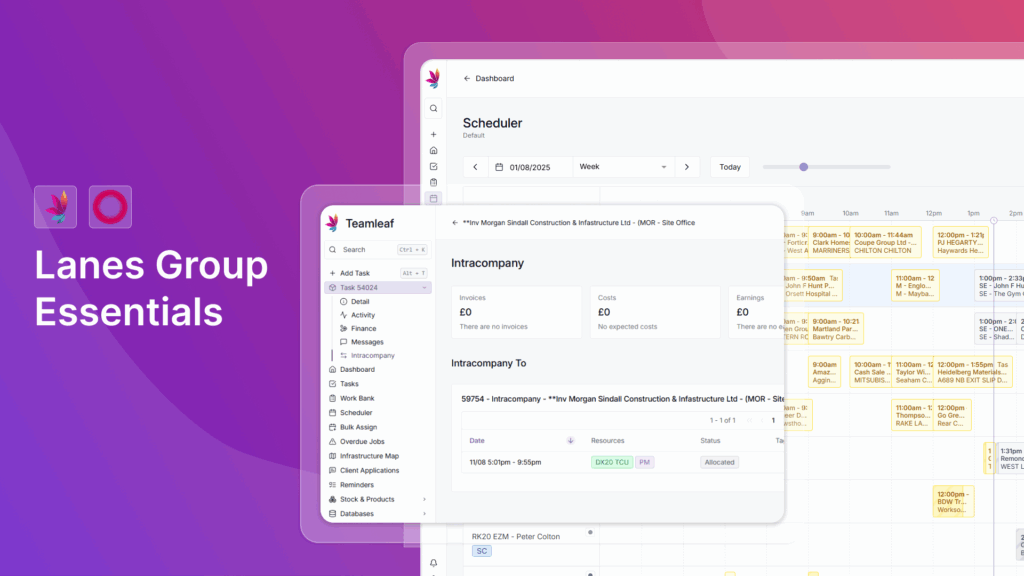
Lanes Group Essentials
View Course

Scheduler
Intracompany
Setup
Shifts
Tasks
Sweeptech Hire Controller Essentials
View Course